Introduction to NX Studio & NX Tether
Learn Nikon NX Studio/Tether interface, post-processing basics, importing, viewing, rating, sorting.
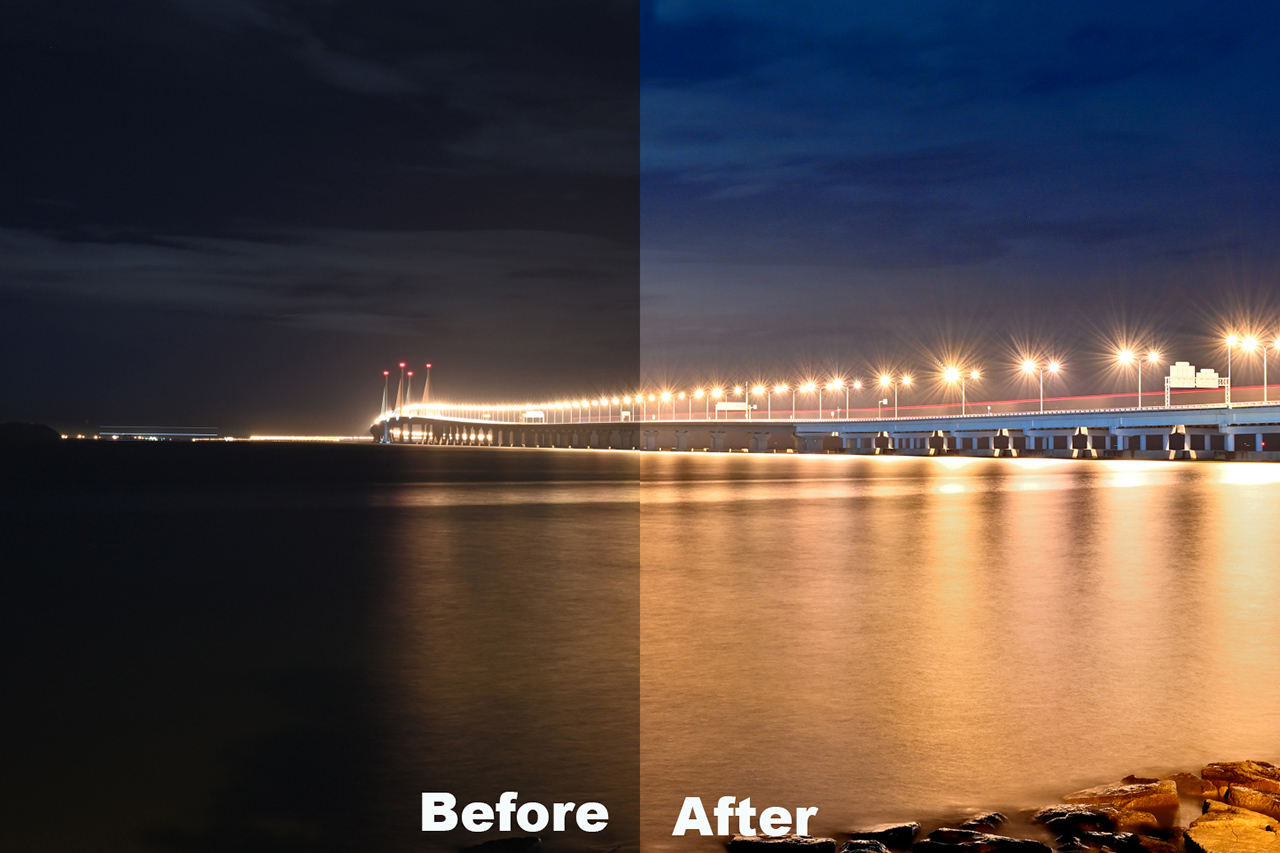

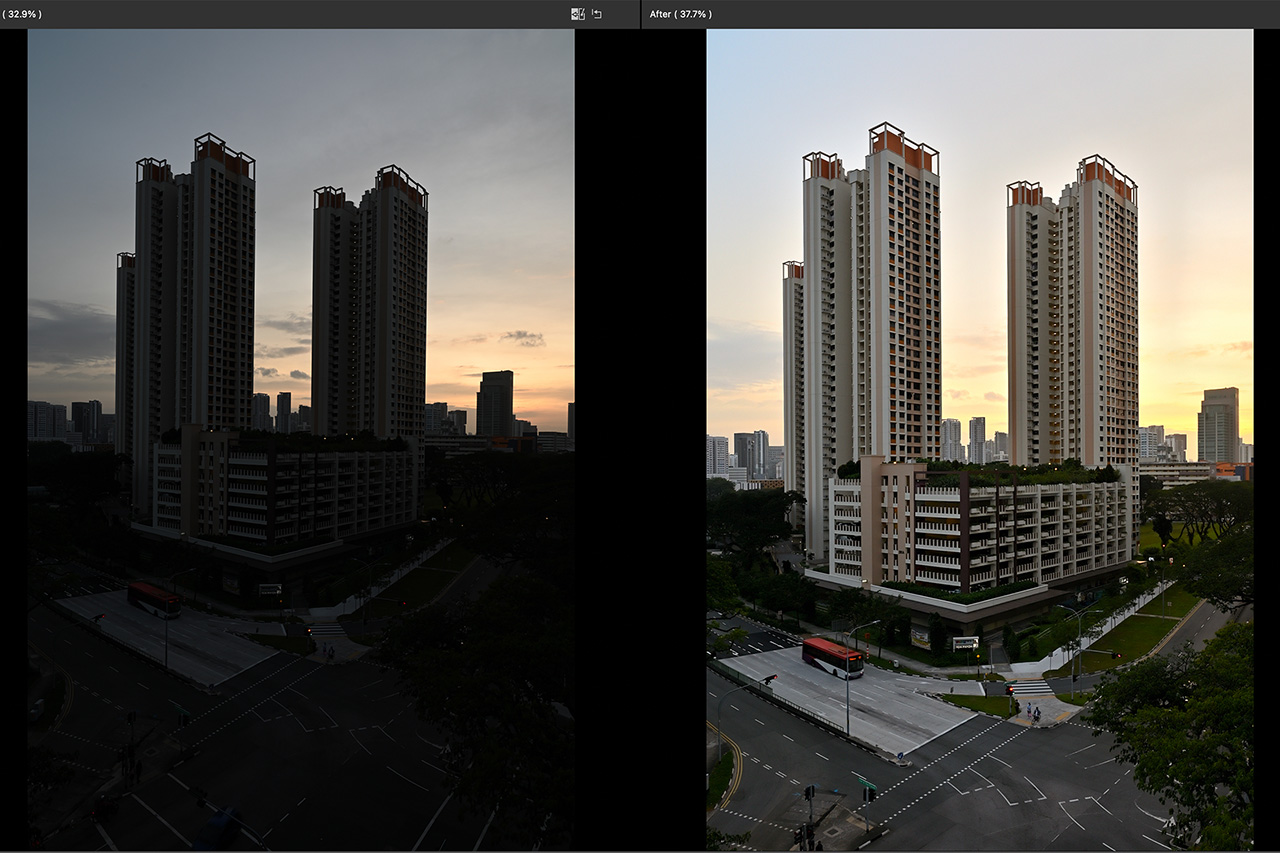
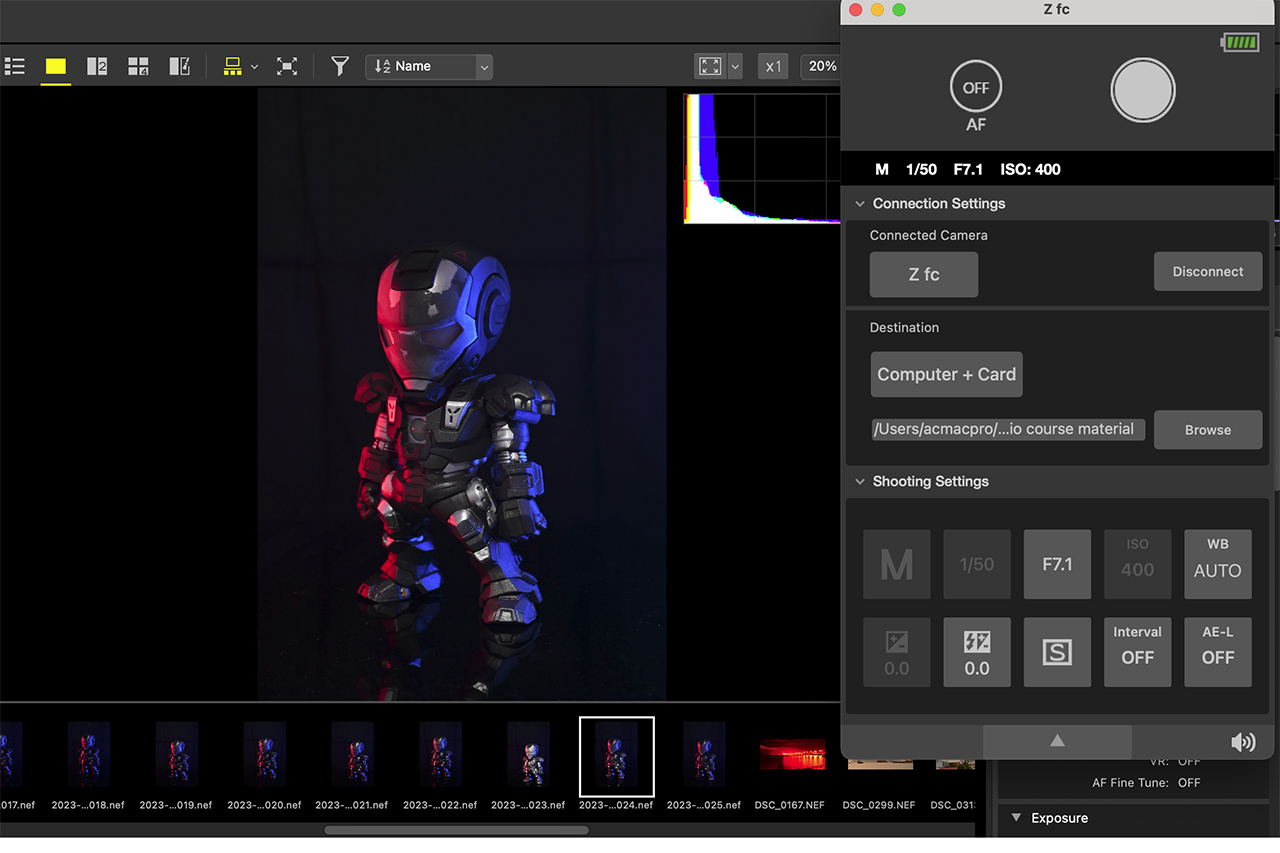

In this session, you will learn about:
- Introduction of the Nikon NX Studio & Nx Tether interface
- Basic of the post-processing workflow
- Importing, viewing, rating, and sorting images
- Utilising the Adjustments tools - Picture Control, White Balance, Exposure, Sharpness & Noise Reduction, Image Cropping & Straighten, Retouch Brush, Camera, and Lens Corrections
- Exporting images for different purposes
- Instructor's tips & techniques
- Basic knowledge to trigger Nikon flash in commander and slave mode
Ideal for anyone:
- who want to learn about the Nikon NX Studio software to browse, edit and process images
- who want to learn about the Nikon NX Tether
- who want to learn to process RAW images taken with the Nikon cameras
- who owns a Nikon camera (Z Series or DSLR camera)
- with basic knowledge of exposure (aperture/shutter speed/ISO) and camera controls
Venue: Please see details
Course Fee: SGD30
In Collaboration with SAFRA Content Creator Club